
If you have a large team of workers, the best solution is to import an Excel file with the data of all your workers.
To do so follow these steps:
Se tem uma equipa de trabalhadores extensa, a melhor solução é importar um ficheiro excel com os dados de todos os trabalhadores.
Para o fazer siga os seguintes passos:
Step 1. Open settings
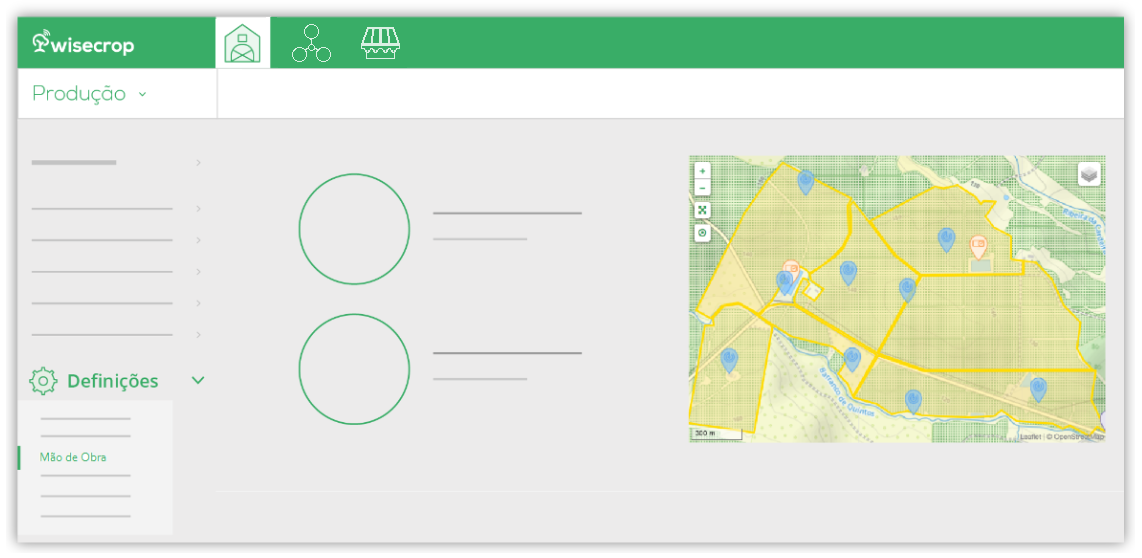
Go to the Settings menu and click on Labor;
Step 2. Import workers
Then go to the Workers section and click the Import button ;
Step 3. Download template
In the card that opens, click Download and open the Excel file you downloaded;
Step 4. Fill in data
Fill in the document with the workers’ data and save it on your computer;
Step 5. Import file
Return to the card that was opened earlier, click Choose File and select the Excel document you edited;
Click Save.