Step 1. Access the integrations settings
On the Production page, open the Settings menu and go to Integrations (left side of the page);
Step 2. Select the probe
Under Devices (a), open the Details (b) of the probe you want to configure;
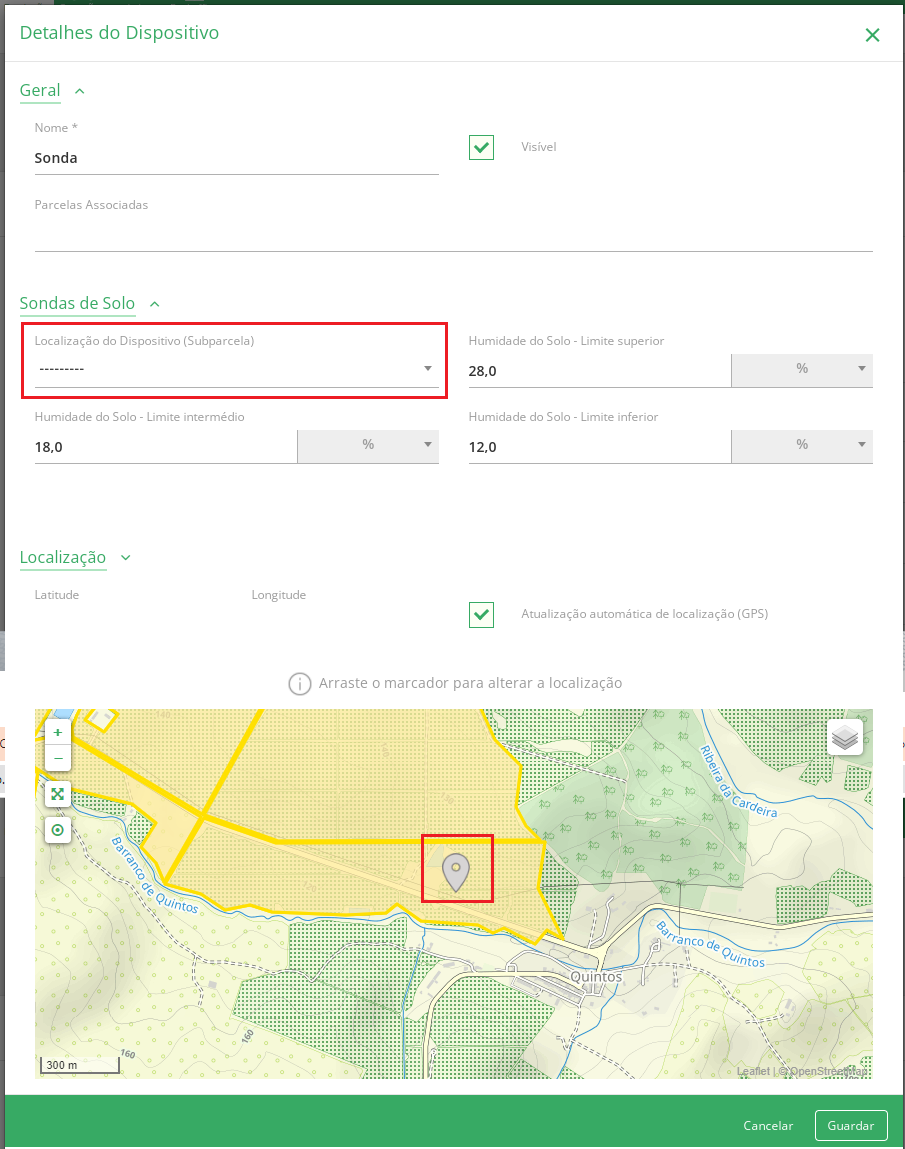
Step 3. Choose the device location
You can associate the corresponding sub-plot with the Device Location (Sub-plot), and you can also redefine the location using the map shown;