
Step 1. Open the Labor Application
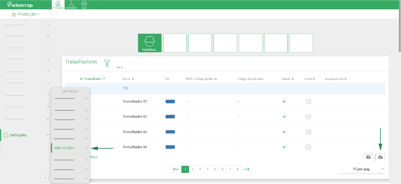
Open the Labor Application (a) and click the Report button  (b) at the top of the page.
Step 2. Fill out the form
Fill in the form that appears by selecting the Barcodes: Workers option in the checkbox;
Click the Request button and the document will be sent to your email.