
Step 1. Open settings
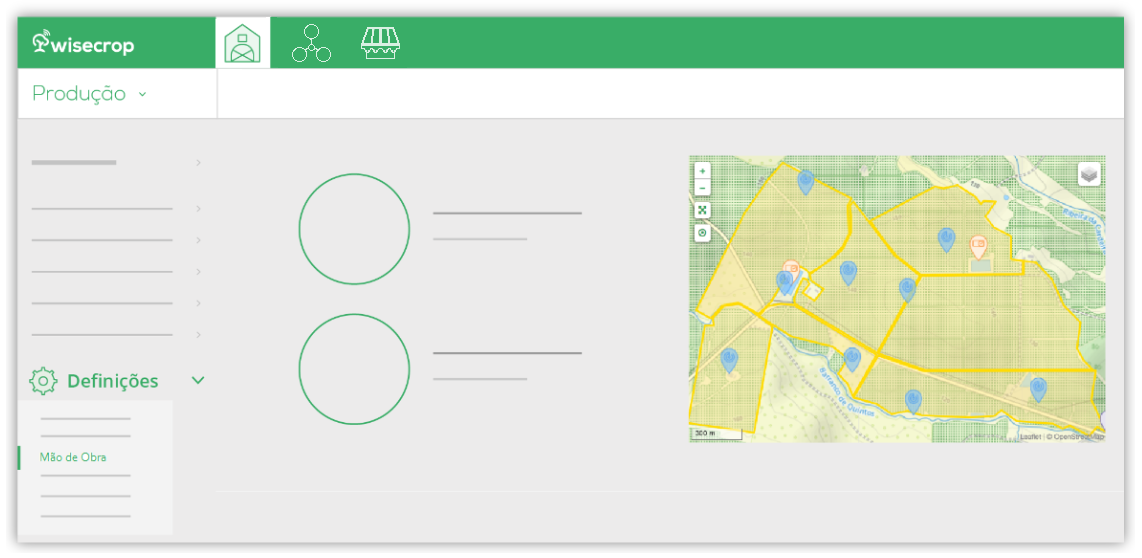
On the Production page, open the Settings menu and click on the Labor option;
Step 2. Add new work group
In the Workers section, in the Worker Management table, select the Group and assign workers;
Click Save.